
PANEL.MAXI.24
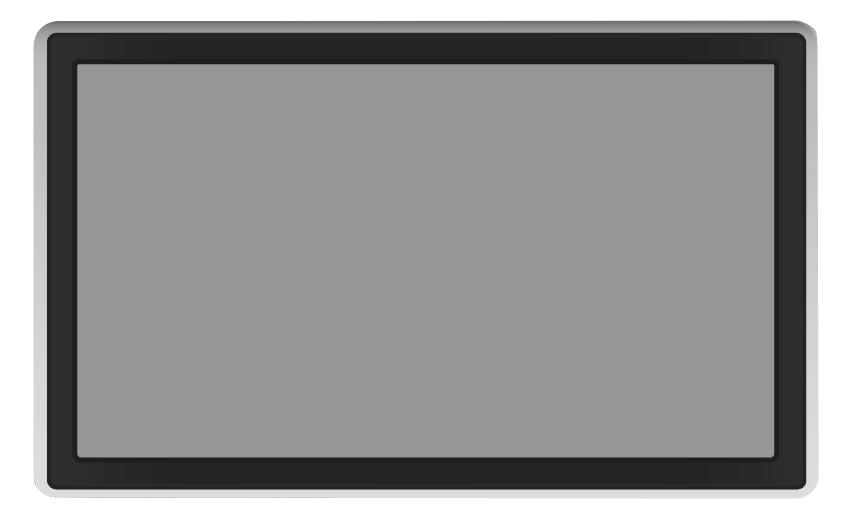
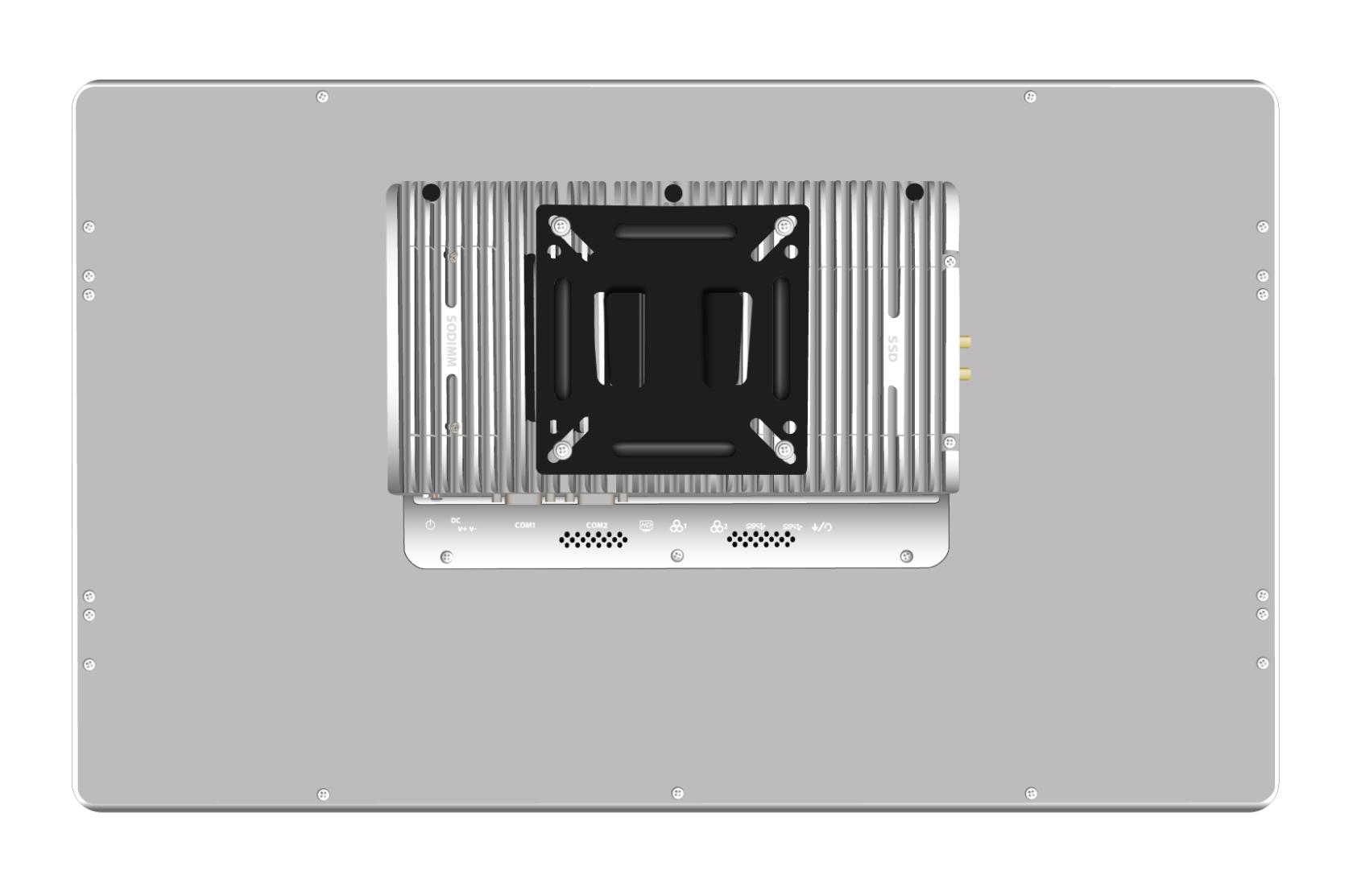

Specifications
|
CPU¹ ¹Configuration varies by availability |
3.9 GHz Intel® Core i5-8260U 4.9 GHz Intel® Core i7-10810U |
| GPU | Intel® UHD Graphics for 8th Gen Intel® processors |
| RAM | 4 GB DDR4 SO-DIMM |
| Screen size | 23.8" TFT LCD |
| Resolution | 1 920 × 1 080 |
| Surface |
IP65-certified front panel |
| Brightness | 250 cd/m² |
| Touch function | Capacitive touchscreen |
| Screen connection |
1x HDMI |
| Serial COM interface | 2x |
| USB 3.0 | 4x |
| Audio |
1x Mic-in/Line-out 2x 8 Ω 2 W speakers |
| LAN |
2x Ethernet RJ45 10/100/1000 Mbps |
| Supports PXE boot | ✔UEFI |
| Supports local boot | ✔ |
| Power supply |
2-pin Phoenix connector |
| Dimensions (W x H x D) | 363 mm × 594 mm × 55 mm |
| Weight | 2.9 kg |
| Certifications | CE, RoHS |
BIOS
After turning on the power, press theDELorESCkey to enter the BIOS.
Supported version
Starting with openthinclient OS version 2022.x
Hardware Type — Configuration
Leave all settings at their default values.
Display component
If you'd like to operate the device with two screens, create a new component of type "Display" in openthinclient Management. Assign this component either directly to the thin client or to the hardware type.
Note that display port names may change when using adapters (see Display component).