
ZOLID.PEBBLE.2
Specifications
|
CPU¹ ¹Configuration varies by availability |
1.8 GHz Intel® Celeron® J6413 Quad-Core 2.0 GHz Intel® Pentium® J6426 Quad-Core 3.4 GHz Intel® Alder Lake-N100 |
| RAM | 4 GB DDR4 SO-DIMM |
| GPU |
10th Gen Intel® UHD Graphics |
| Display Ports |
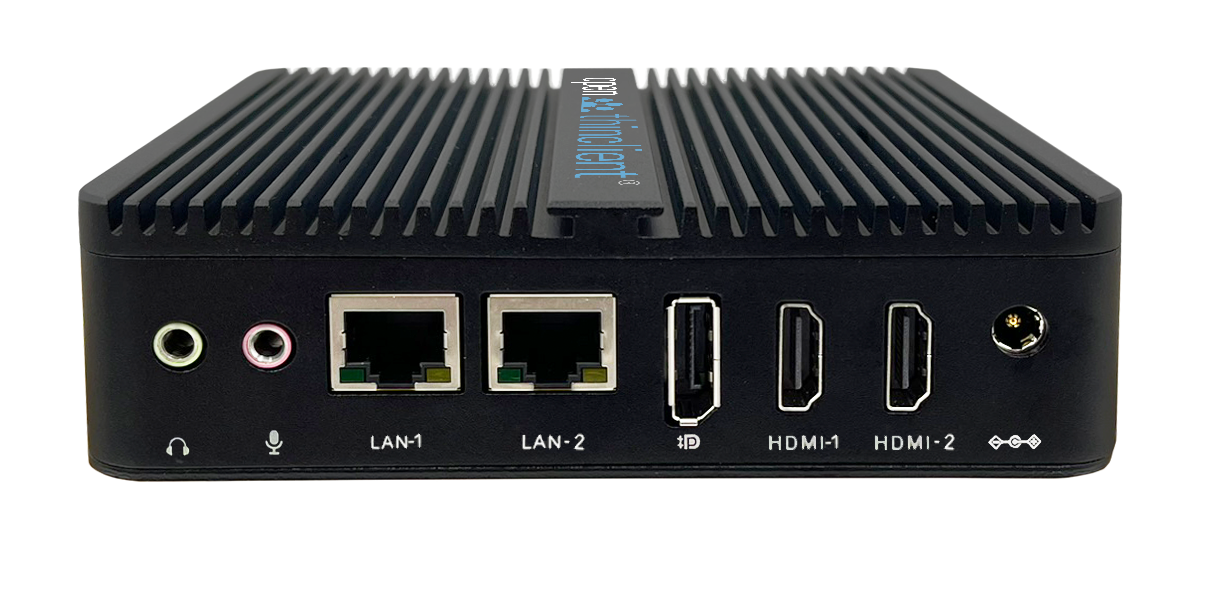
2x HDMI 1x DisplayPort |
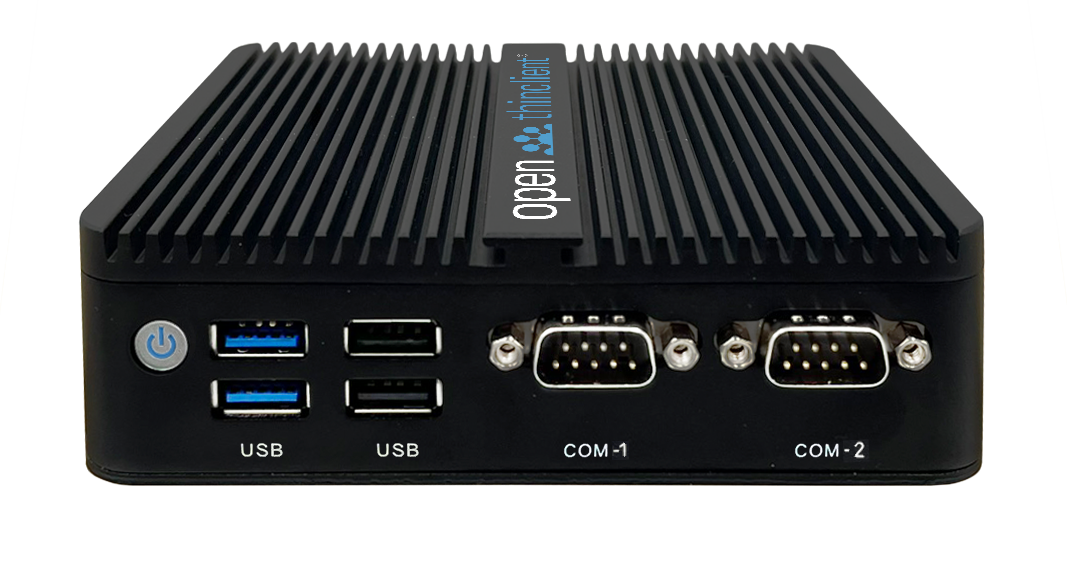
| Number of USB 2.0 ports | 2x |
| Number of USB 3.0 ports | 2 |
| LAN | 2x 10/100/1000 Mbps RJ45 |
| Serial port | 2x COM |
| Internal slots |
1x mSATA 1x M.2 2280 NVMe 1x M.2 2230 Wi-Fi/Bluetooth |
| Supports PXE boot | ✔ |
| Supports Localboot | ✔ |
| Power supply | 12 V DC-IN |
| Dimensions (W x H x D) |
39 mm × 127 mm × 135 mm |
| Weight | 590 g |
| Housing | Aluminum, black |
| Certifications | CE, RoHS |
BIOS
After powering on, press theDELorESCkey to enter the BIOS.
Supported version
Starting with openthinclient OS version 2022.x
Hardware Type — Configuration
Leave all settings at their default values.
Display component
If you want to operate the device with two screens, create a new component of type "Display" in openthinclient Management. Assign this component either directly to the thin client or to the hardware type.
Note that display port names may change when using adapters (see Display component).