
ZOLID.ROCK
Translation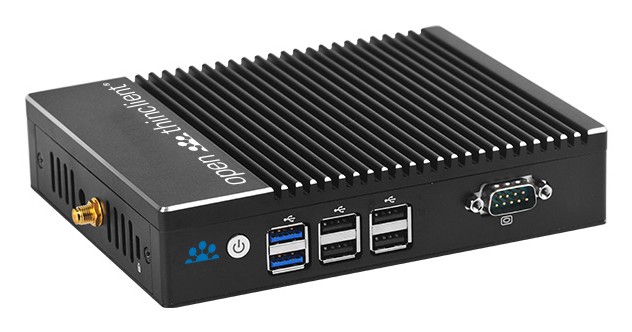
Specifications — Version 4/16
BIOS
After powering on, press theESCkey to enter the BIOS.
Supported version
Starting with openthinclient OS version 2019.1.x
Hardware Type — Configuration
Leave all settings at their default values.
Display Component
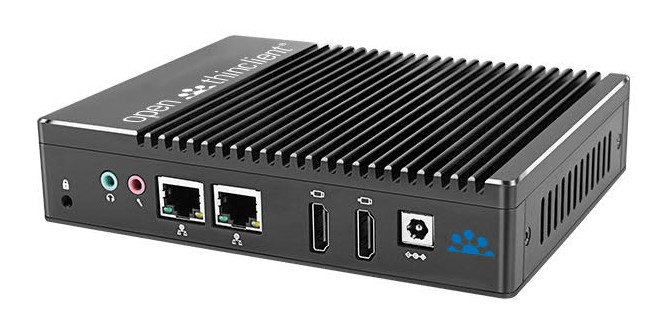
If you want to operate the device with two screens, create a new component of type "Display" in openthinclient Management. Assign this component either directly to the ThinClient or to the hardware type.
System-side names of the display ports:
Note that the display port names may change when using adapters (see Display component).