
ZOLID.SLAB
Specifications
| CPU |
2.60 GHz Intel® Celeron® J6412 |
| RAM | 8 GB DDR4 SO-DIMM |
| GPU |
Intel® UHD Graphics 10th Gen |
| Display Port |
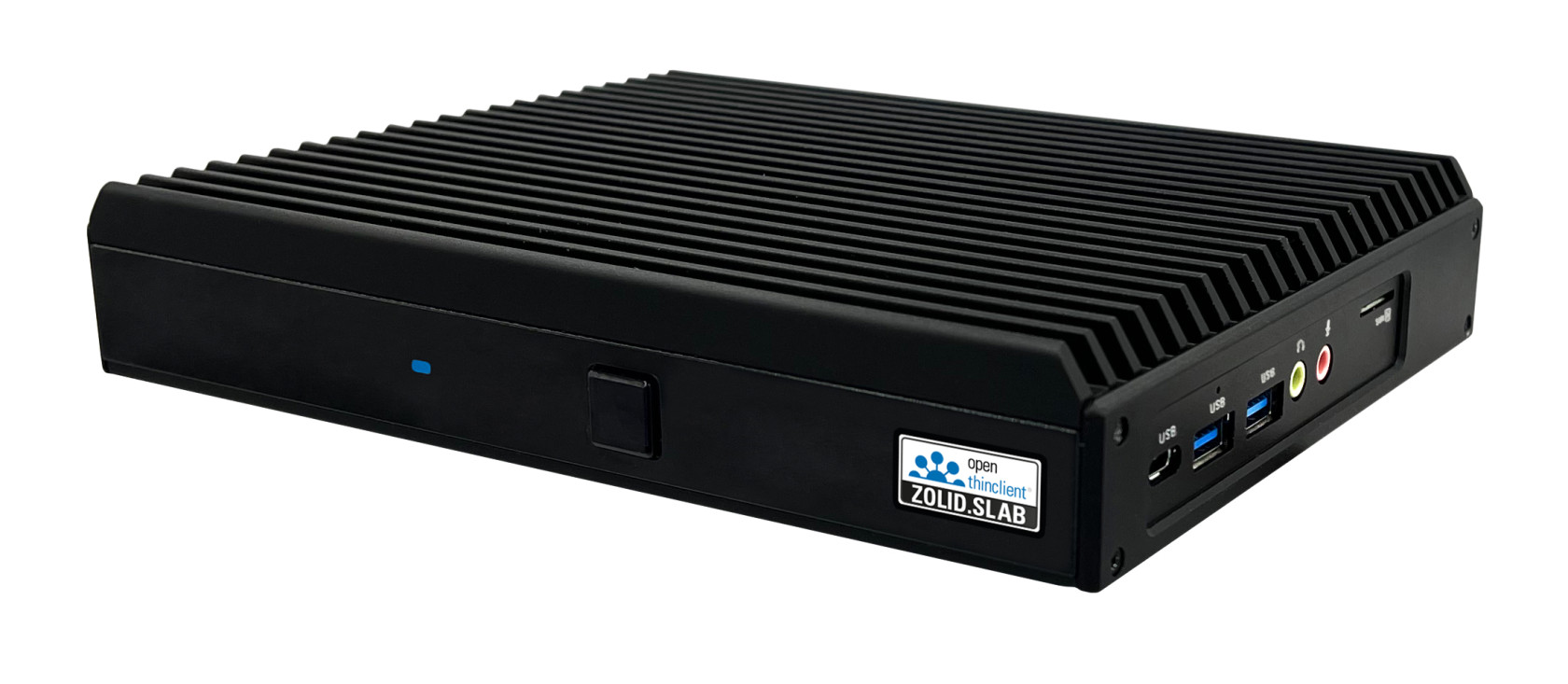
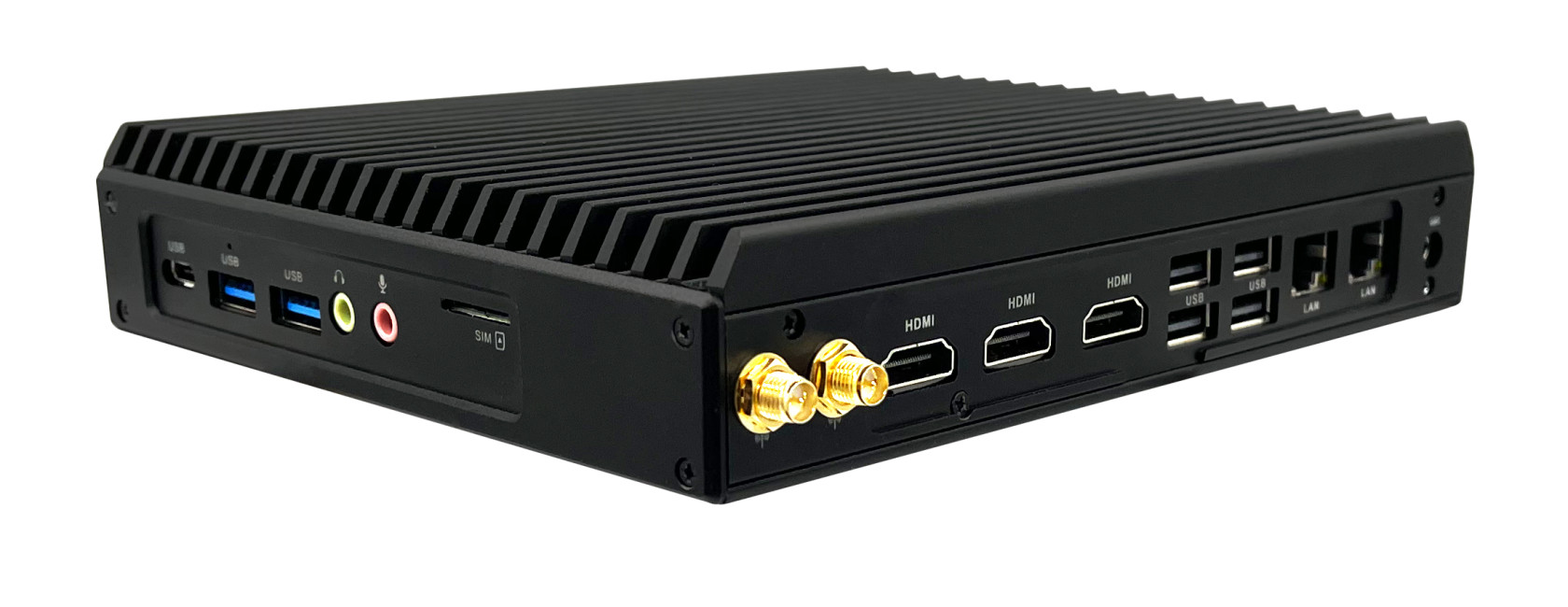
3x HDMI 2.0 |
| Number of USB 2.0 ports | 4x |
| Number of USB 3.2 ports | 2 |
| Miscellaneous ports |
1x SIM 1x USB-C 1x COM |
| LAN |
2x RTL8111H RJ45 10/100/1000 Mbps |
| Internal slots |
1x M.2 2280 NVMe SSD |
| Supports PXE boot | ✔ |
| Supports Localboot | ✔ |
| Power supply | 12 V DC-IN |
| Dimensions (W x H x D) |
191 mm × 151 mm × 34 mm |
| Weight | 1030 g |
| Housing | Aluminum, black |
| Certifications | CE, RoHS, LVD |
Supported version
openthinclient OS version 2022.x and higher
BIOS
After powering on, press the DEL key to enter the BIOS.
Hardware Type — Configuration
Leave all settings at their default values.
Display Component
If two screens are required, create a new Display component in openthinclient Management and assign it either directly to the ThinClient or to the hardware type.
Note that display port names may change when using adapters (see Display component).