OpenVPN
To disconnect or reconnect the OpenVPN connection,
TranslationTo pending.disconnect or reconnect an existing connection, restart the application.
If the connection isn't established, identify the cause.
Possible causes may include:
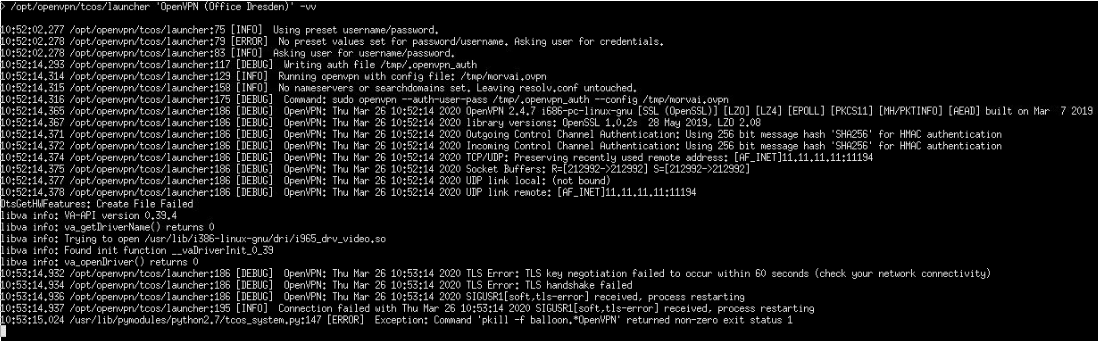
It may be helpful to run the OpenVPN application in debug mode to obtain further clues about the cause of the error. To do this, right-click on the application, select Scripts → Launch in a Terminal [debug]. A successful connection is indicated by the message "Initialization Sequence Completed."
Example 1 — Missing key or certificate in the configuration file

Example 2 — OpenVPN server unreachable